
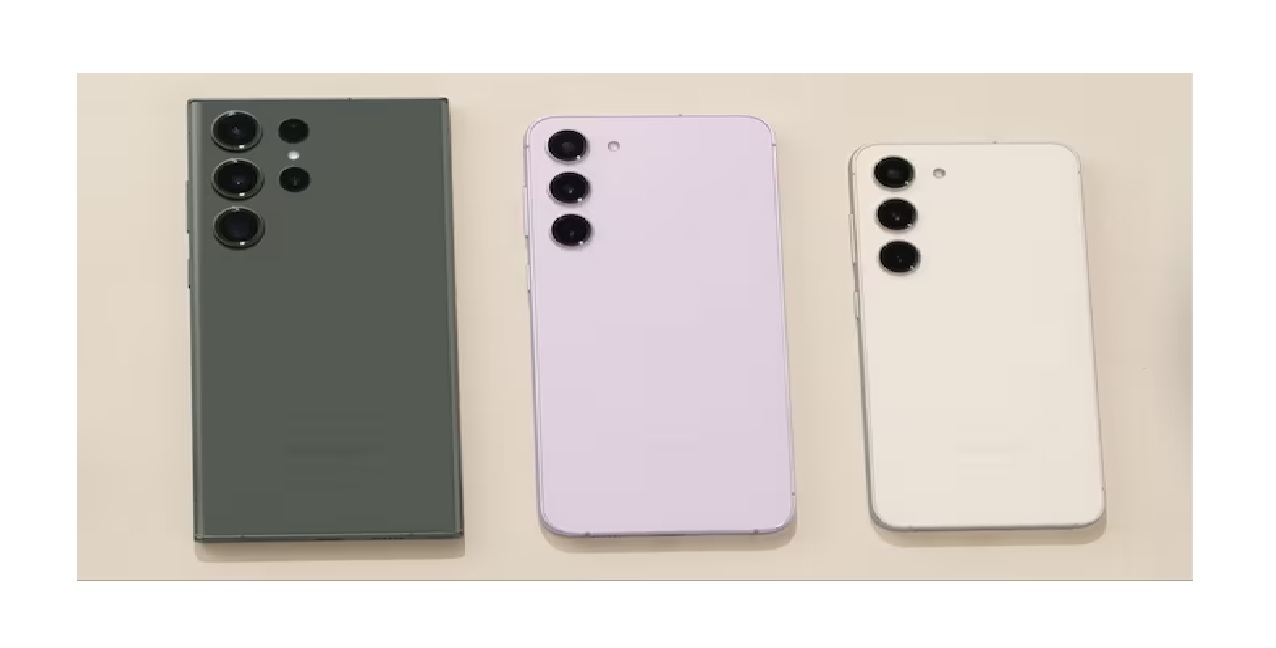
Samsung Phone Users Beware: Critical Vulnerabilities Found, Update Now!, The Indian government has issued a high-alarm warning for Samsung phone users due to serious security flaws discovered in various models. These vulnerabilities, affecting Android versions 11, 12, 13, and 14, could allow hackers to steal sensitive information, gain control of your device, and even eavesdrop on your activities.
Why it matters:
- Attackers could access your personal data like contacts, messages, and even photos.
- Your phone could be hacked to send illegal content or make unauthorized calls.
- Hackers could spy on your conversations and online activity.
Affected devices:
A wide range of Samsung phones are vulnerable, including the Galaxy S23 series, Galaxy Flip 5, Galaxy Fold 5, and many others.
What to do:
- Update immediately: Check for software updates in your phone settings and install them right away. This is the most critical step to protect yourself.
- Be cautious: Until you update, be extra careful about clicking links, downloading apps, or accessing untrusted websites.
- Update your apps: Outdated apps can also be vulnerable. Keep all your apps up to date through the Google Play Store.
- Download safely: Only install apps from trusted sources like the Google Play Store. Avoid downloading apps from third-party websites.
Don’t wait! Update your Samsung phone now to stay safe from these serious vulnerabilities.
This rewritten version is shorter, more concise, and emphasizes the urgency of the situation. It also uses simpler language and avoids technical jargon for better understanding. Additionally, it highlights the specific actions users should take to protect themselves.
Critical Vulnerabilities in Samsung Ecosystem
CERT-In researchers have meticulously identified and classified vulnerabilities in Samsung products, portraying significant threats to user security. The vulnerabilities encompass a spectrum of issues affecting various components within the Samsung ecosystem. Notably, these issues range from improper access control in Knox features to an integer overflow flaw in facial recognition software, demonstrating the diverse nature of the security threats.
Identified Vulnerabilities: An Overview
- Knox Features: Improper access control
- Facial Recognition Software: Integer overflow flaw
- AR Emoji App: Authorization issues
- Knox Security Software: Incorrect handling of errors
- System Components: Multiple memory corruption vulnerabilities
- Softsimd Library: Incorrect data size verification
- Smart Clip App: Unvalidated user input
- Contacts App: Hijacking certain app interactions
Risks Associated with Exploitation
The potential consequences of exploiting these vulnerabilities are severe. The security note highlights that attackers could trigger heap overflow and stack-based buffer overflow, access the device SIM PIN, gain elevated privilege via broadcast, read AR Emoji sandbox data, bypass Knox Guard lock by changing system time, access arbitrary files, obtain sensitive information, execute arbitrary code, and compromise the targeted system.
Impacted Devices: Galaxy S23 Series and More
The vulnerabilities extend their reach to a wide array of Samsung devices, including the Galaxy S23 series, Galaxy Flip 5, Galaxy Fold 5, and others operating on Samsung Mobile Android versions 11, 12, 13, and 14.
Protective Measures: Safeguard Your Device
1. Apply Security Updates Promptly
Users must act swiftly and apply the security updates provided by Samsung through their official security advisory. To check for updates, navigate to Settings > Software update > Download and install. Regularly monitor and install updates to ensure the latest security patches are in place.
2. Exercise Caution During Device Use
Until the update is implemented, users should exercise caution, especially when interacting with untrusted sources or unknown applications. Vigilance is key to minimizing the risk associated with these vulnerabilities.
3. Keep Apps Up to Date
Outdated apps can harbor vulnerabilities that attackers may exploit. Ensure all apps are up to date by visiting the Google Play Store and checking for updates regularly.
4. Install Apps from Trusted Sources
To further reduce the risk of security breaches, only install apps from trusted sources such as the Google Play Store. Avoid downloading apps from third-party websites, as these may pose malicious threats to your device.
By promptly addressing these recommendations, Samsung users can fortify their devices against potential security threats and navigate the digital landscape with increased confidence and safety.